Navigate to the top right corner of your screen and click the blue ‘Compare screeners’ button.
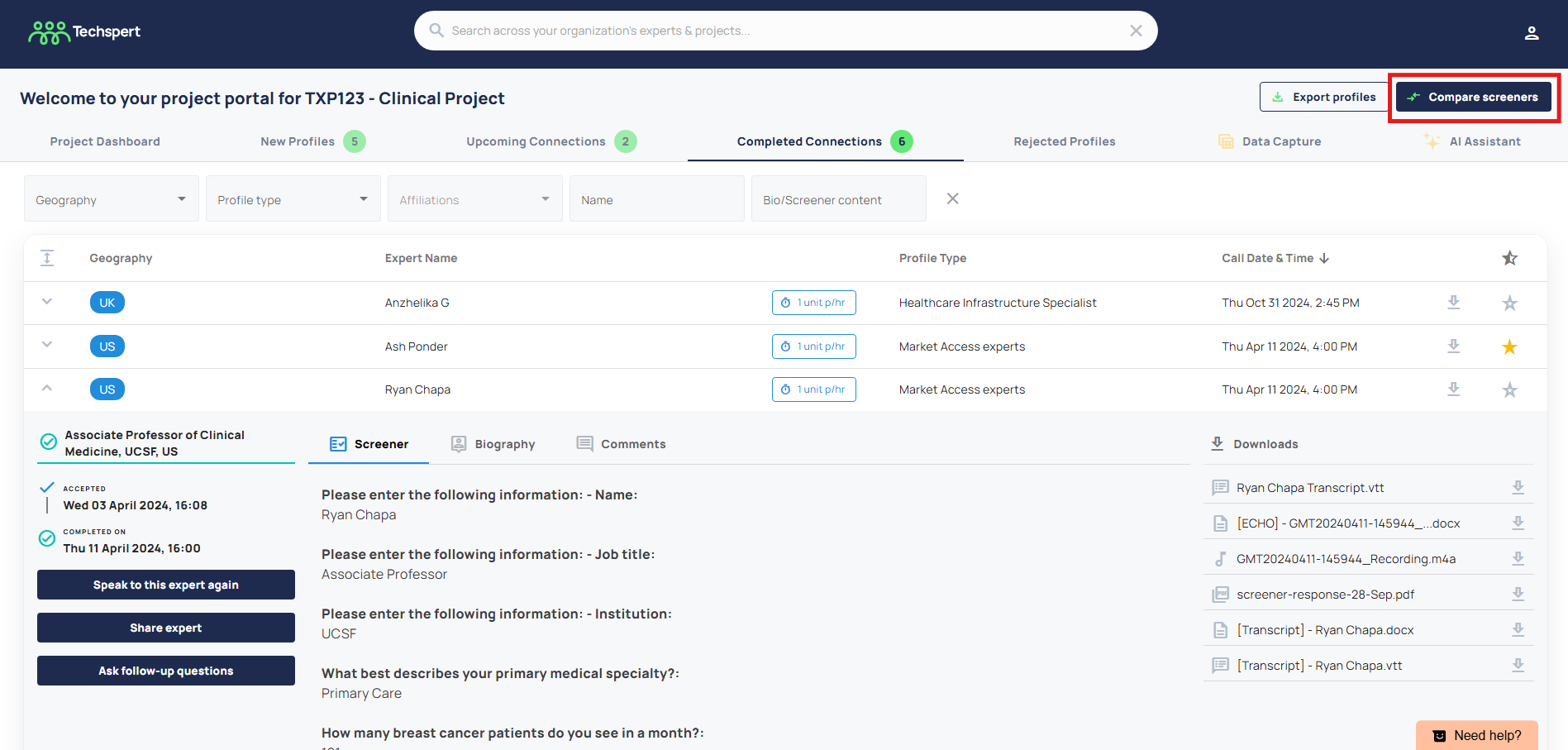
From here, you can compare all of the expert's screener responses or view screener responses for a specific project segment.
If you prefer using Excel, you can also export all responses to an Excel sheet using the blue export button in the top right-hand corner.
Was this article helpful?
That’s Great!
Thank you for your feedback
Sorry! We couldn't be helpful
Thank you for your feedback
Feedback sent
We appreciate your effort and will try to fix the article