If the times shown on the platform don’t work for you, click “Request consultation time.” You’ll then be able to enter your preferred call times directly.
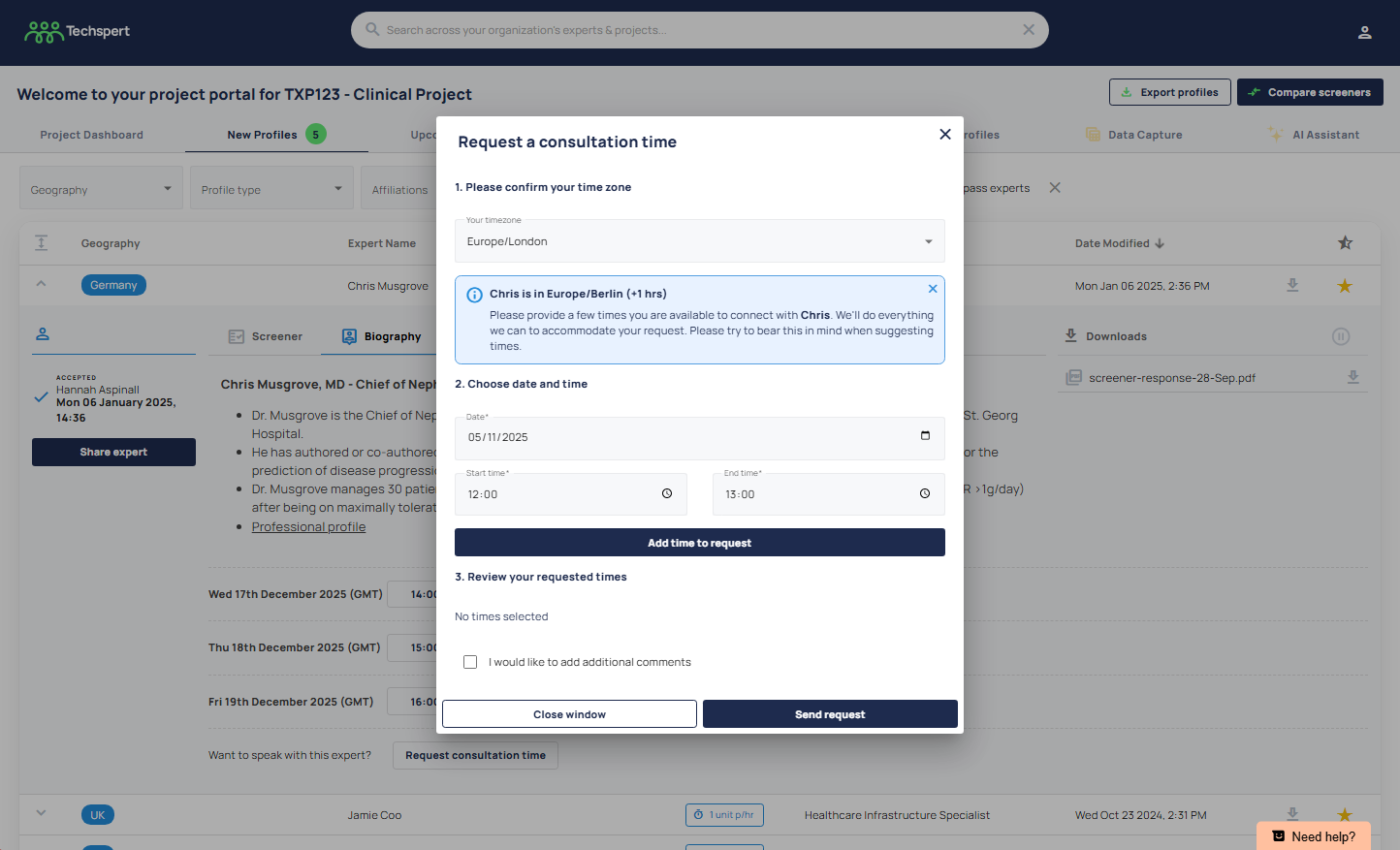
Once you submit the request, the Techspert team is immediately notified. We’ll contact the expert to check their availability and arrange a call based on the times you’ve provided.
Was this article helpful?
That’s Great!
Thank you for your feedback
Sorry! We couldn't be helpful
Thank you for your feedback
Feedback sent
We appreciate your effort and will try to fix the article