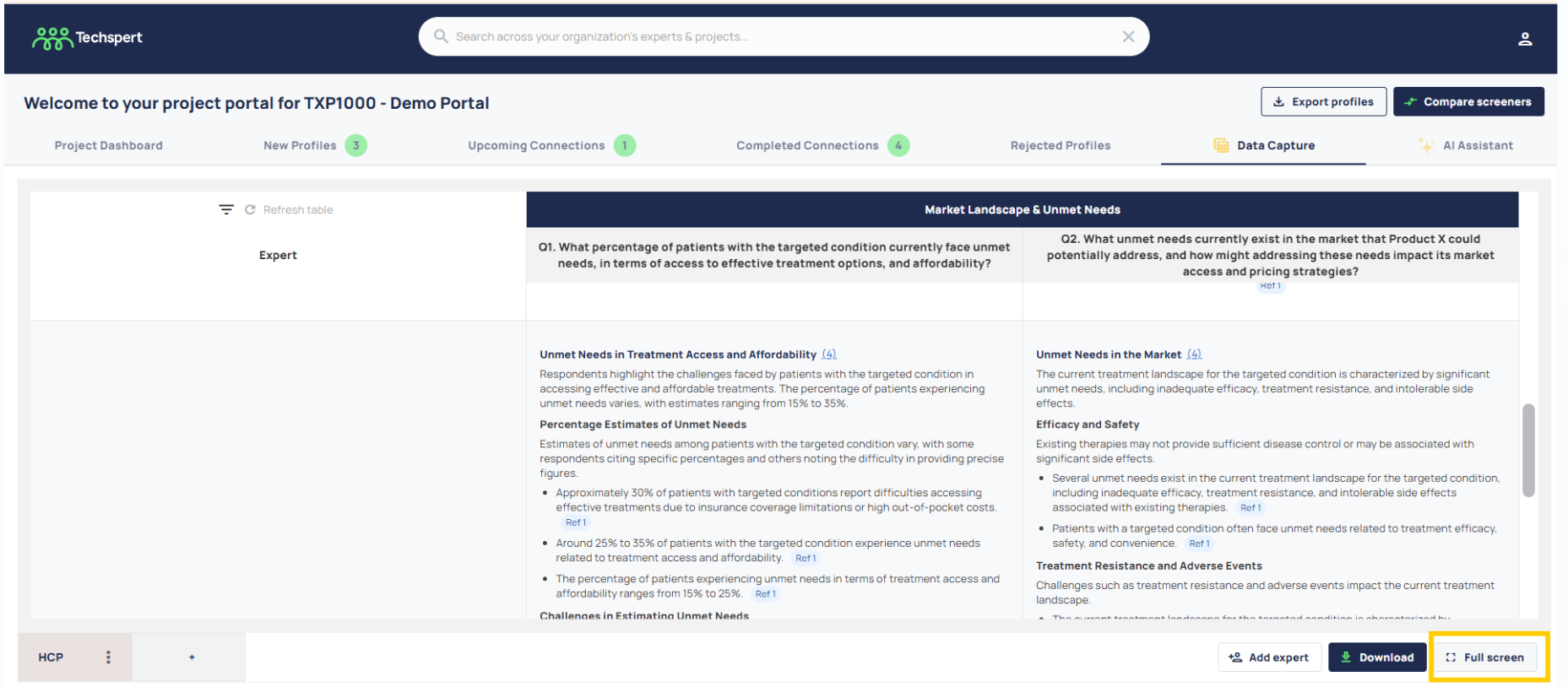
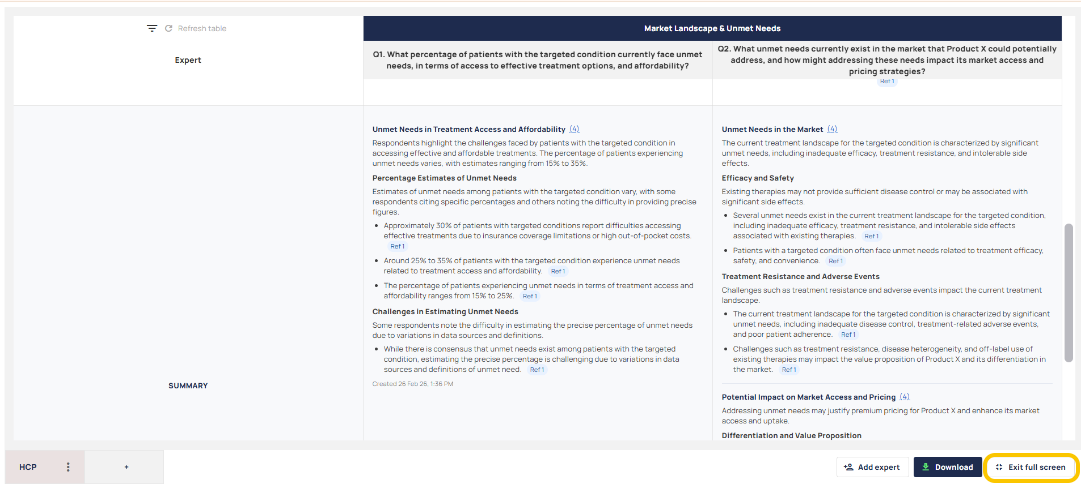
To make things easier and comfortable for those clients working on smaller laptop screens, you can switch to 'Full Screen View' when using Data Capture.
- Simply click the button at the bottom right of the data capture grid.
- If you need to exit this mode, just click 'Exit Full Screen' and it takes you back to the normal view!
Was this article helpful?
That’s Great!
Thank you for your feedback
Sorry! We couldn't be helpful
Thank you for your feedback
Feedback sent
We appreciate your effort and will try to fix the article